How to Verify Account on ExpertOption

Verifying your account on ExpertOption is a crucial step to ensure the safety of your funds, comply with international regulations, and unlock the platform’s full trading features. ExpertOption adheres to Know Your Customer (KYC) policies to protect users from fraud, money laundering, and unauthorized access.
Completing the verification process is simple, secure, and typically takes only a few minutes when you provide accurate information.

Email Verification on ExpertOption
Once you’ve signed up, you will receive a confirmation email (a message from ExpertOption) which includes a link that you need to click to verify your email address.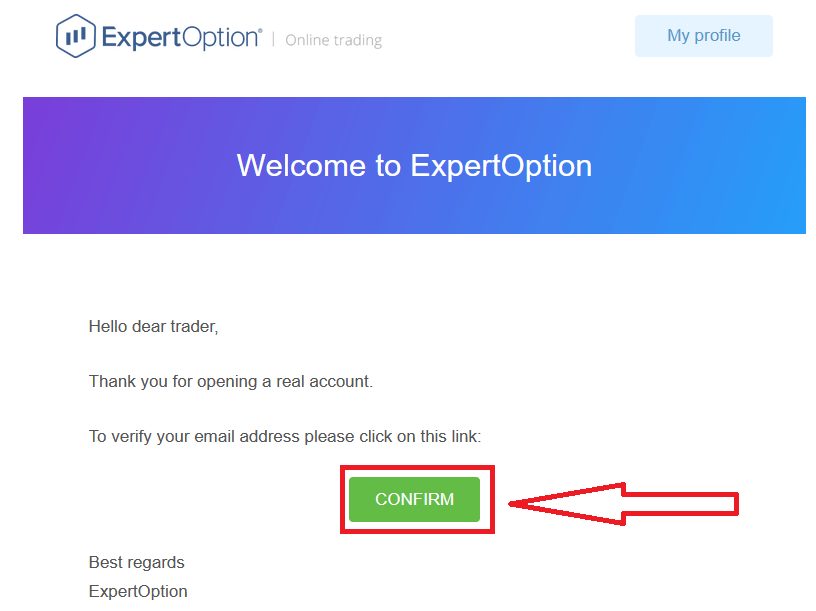
If you do not receive a confirmation email from us at all, send a message to [email protected] from your email address used on the platform and we will confirm your email manually.
Address and Identity Verification on ExpertOption
The verification process is a simple one-time review of your documents. This is a necessary step for us to fully comply with AML KYC policy, thus confirming your identity as a Trader with ExpertOption. Verification process starts once you fill in Identity and Address information in your Profile. Open the Profile page and locate the Identity status and Address status sections.

Bank Card Verification on ExpertOption
The verification process varies depending on the deposit method.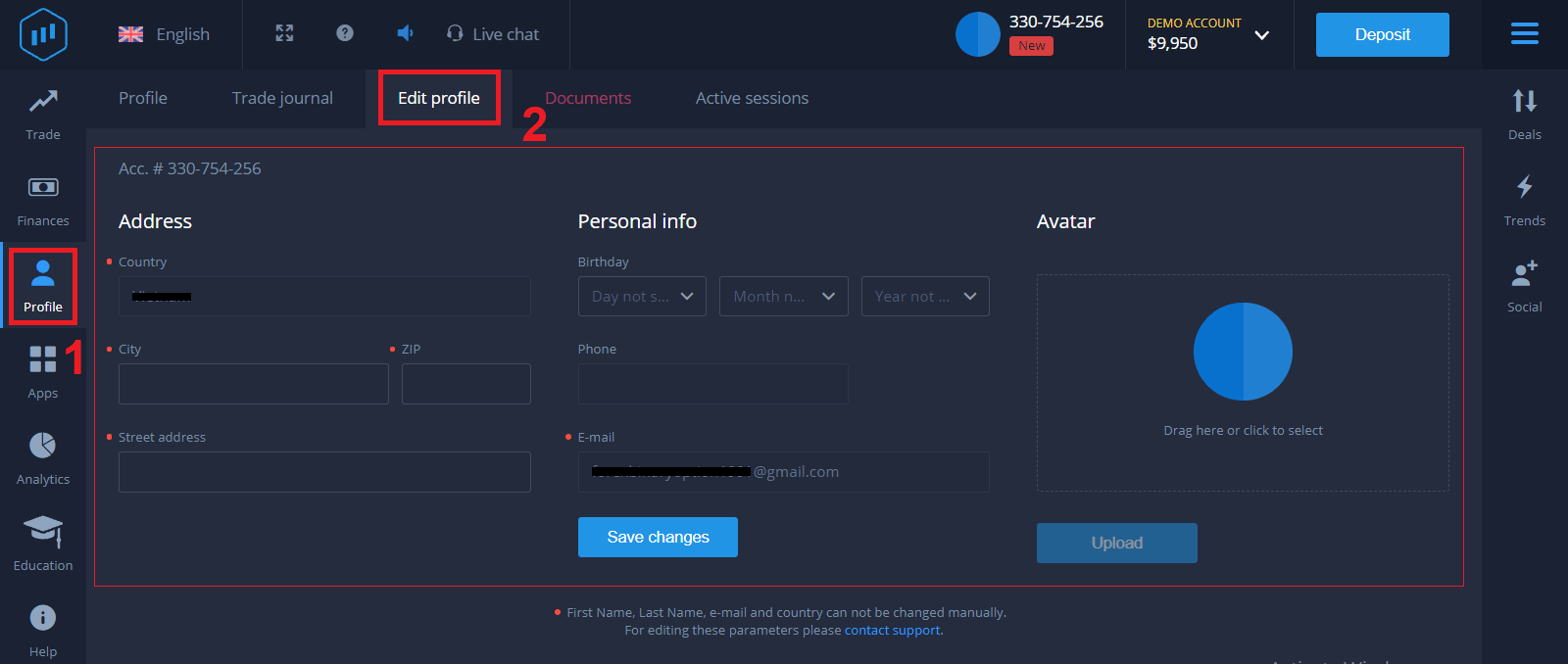
If you deposit using VISA or MASTERCARD (either credit or debit card), we will need to verify the following:
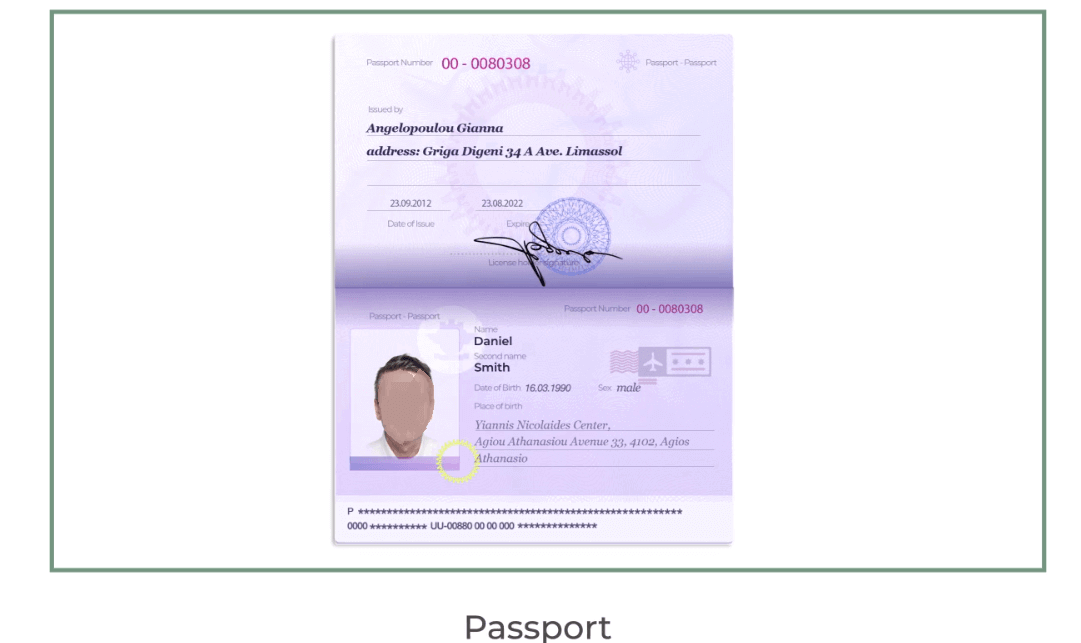
- A colour photo of a primary valid ID or Passport which shows your photo and full name
Passport
ID Card both side
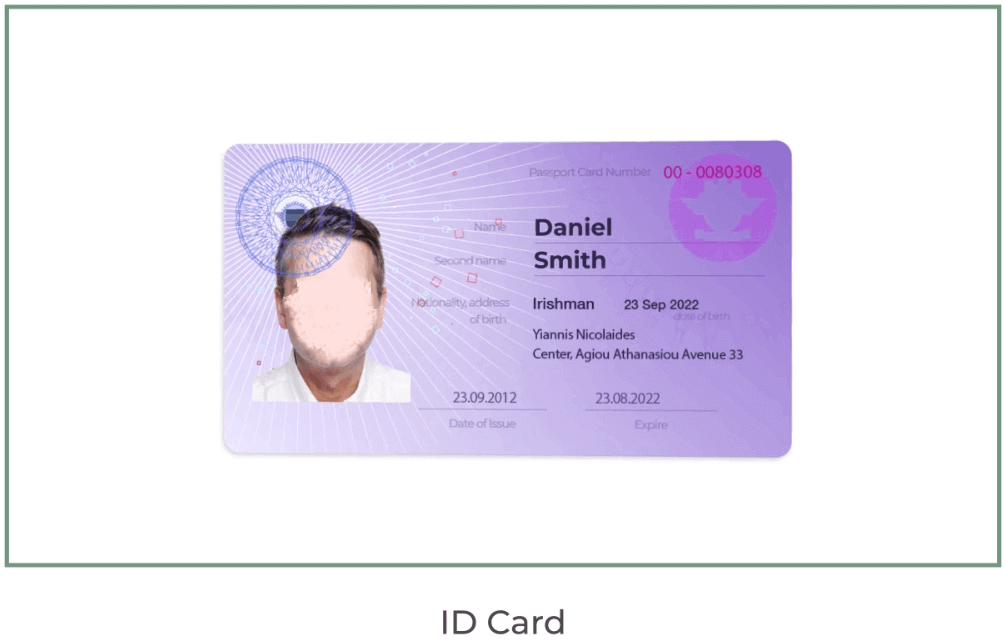
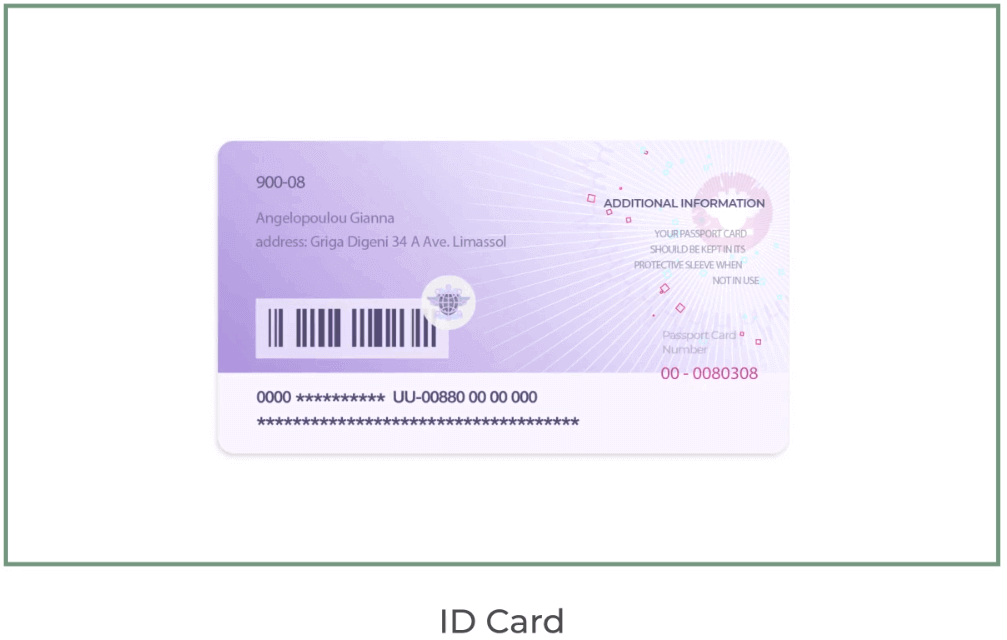
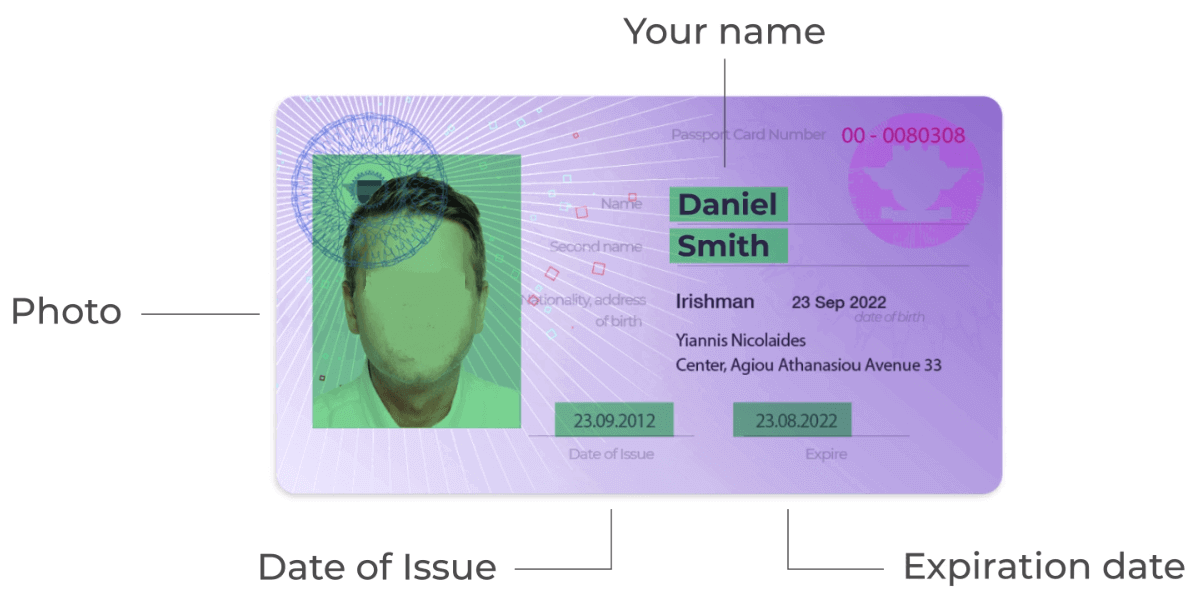
The documents must show your name, photo and not expire
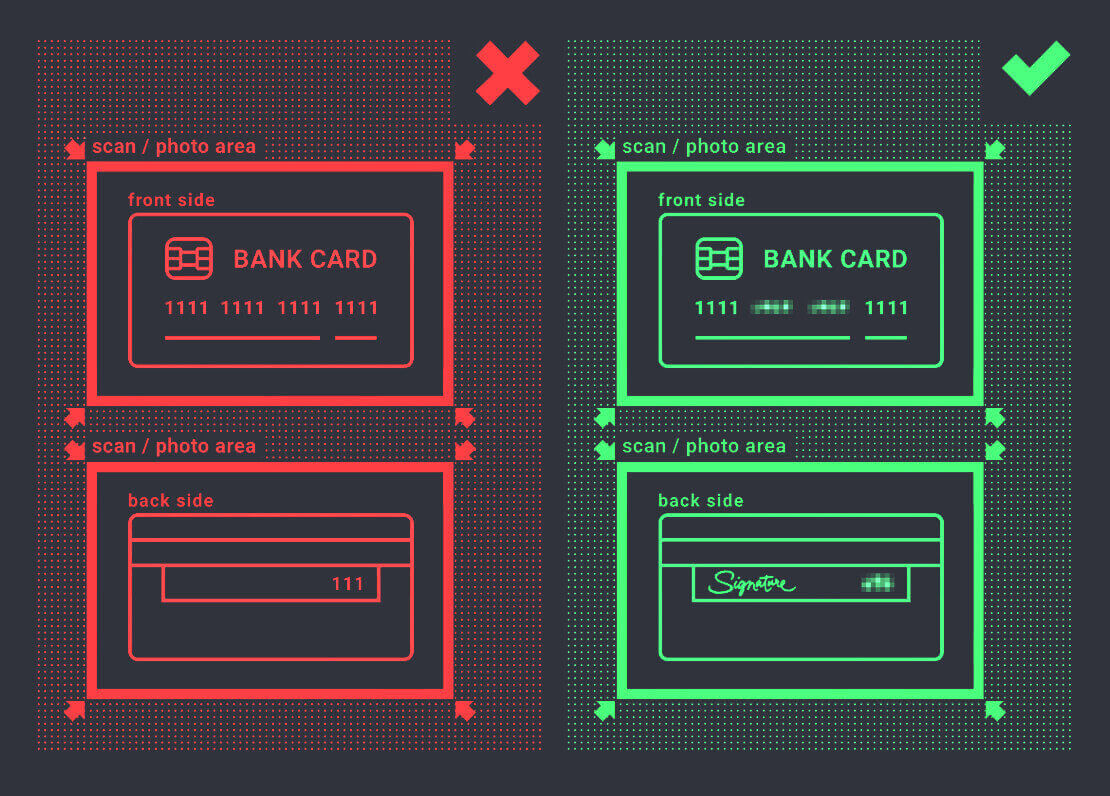
- A photo of the bank card (front side of your card used for deposit with visible first six and last four digits, with your name and expiry date)
If you choose to deposit using an e-wallet, cryptocurrency, online banking or mobile payment, we will only need to verify your primary valid ID or Passport.
Please note that the photos must be of high quality, the entire document should be visible and we do not accept photocopies or scans.
Verification is only available after creating a REAL account and after depositing.
Conclusion: Fast-Track Your Trading Journey with a Verified Account on ExpertOption
Completing your account verification on ExpertOption is more than just a regulatory requirement — it’s a strategic step to secure your profile, access full platform features, and build trust with a globally recognized trading platform. Ensure your documents are clear, valid, and up to date for a smooth and timely verification process. Start trading confidently with a verified ExpertOption account today.