ExpertOption Contact & Support
Writen By

Online Trading Platform Researcher and Guide Writer
Researches broker platforms and trading account Systems.
Needing quick help with account access, deposits, withdrawals, or platform errors is common — and knowing the fastest contact route saves time and stress. ExpertOption provides live chat, in-app support, email, phone, and a searchable help center for different issue types; choosing the right channel and preparing key information up front speeds resolution and reduces back-and-forth. Response times vary by channel and by compliance checks for payments and verification requests, so matching urgency to the correct contact method improves outcomes.
This article lists each official contact channel, typical response times, what documents or transaction details support will request, and practical tips for secure communication. Use live chat or the app for immediate trading interruptions and account access problems; use email for payment disputes, attachments, or when you need a written record. When support requests verification, provide clear scans, transaction IDs, and your account ID; check the help center FAQ before contacting to avoid delays. Never share your password or one-time codes, and save screenshots to illustrate errors before contacting support.
This article lists each official contact channel, typical response times, what documents or transaction details support will request, and practical tips for secure communication. Use live chat or the app for immediate trading interruptions and account access problems; use email for payment disputes, attachments, or when you need a written record. When support requests verification, provide clear scans, transaction IDs, and your account ID; check the help center FAQ before contacting to avoid delays. Never share your password or one-time codes, and save screenshots to illustrate errors before contacting support.

Frequently Asked Questions (FAQ)
ExpertOption has been a trusted broker for over 5 years with millions of traders from all over the world. Chances are that if you have a question, someone else has had that question in the past and ExpertOption’s FAQ is quite extensive.We have got the common answers you need at here: https://expertoption.com/trading/faq/
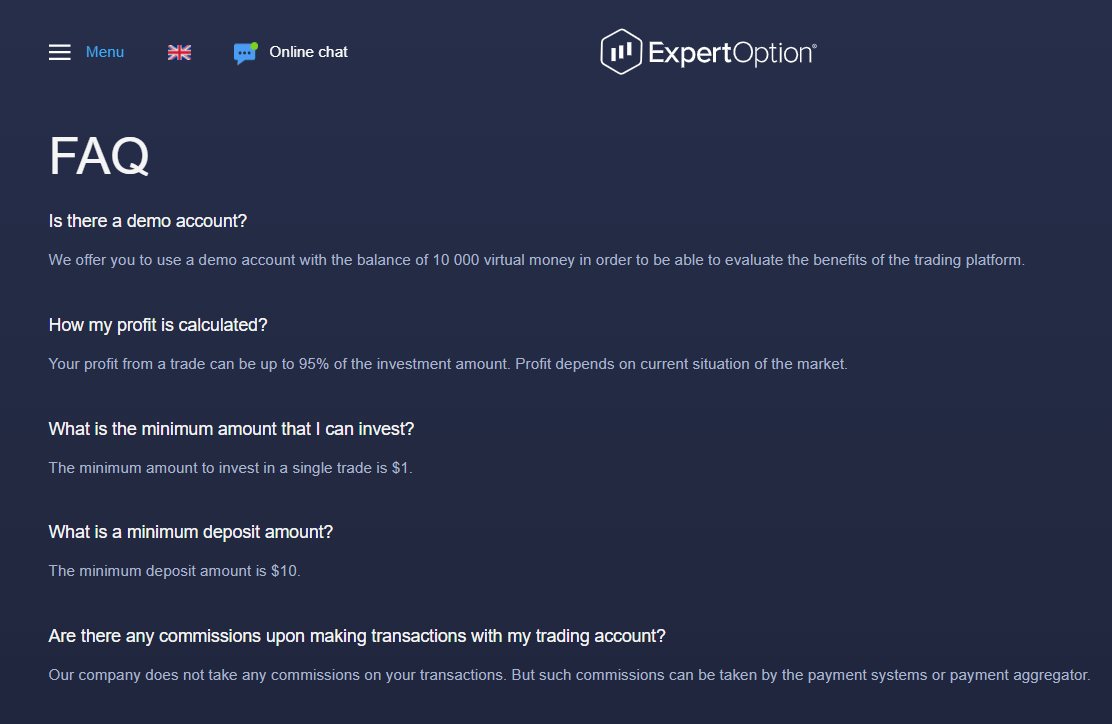
If you have a question, this is the best place to start.
Online Chat
ExpertOption’s online chat feature allows you to speak with one of our technical support staff members in real-time and get answers to your questions. These individuals are highly qualified, available 24 hours a day.They can help you with navigating and utilizing different functions within the platform, troubleshoot any technical issues you might be having with the site, and match you with the proper resources you need to answer your question if it is outside their specialty.
While our technical support staff are brilliant and wonderful, they are not financial analysts so they won’t be able to tell which trades to open and when.

Email and Contact Form
If you prefer to correspond through email, you can send a direct email to [email protected] and you’ll receive a response in 1 business day or less.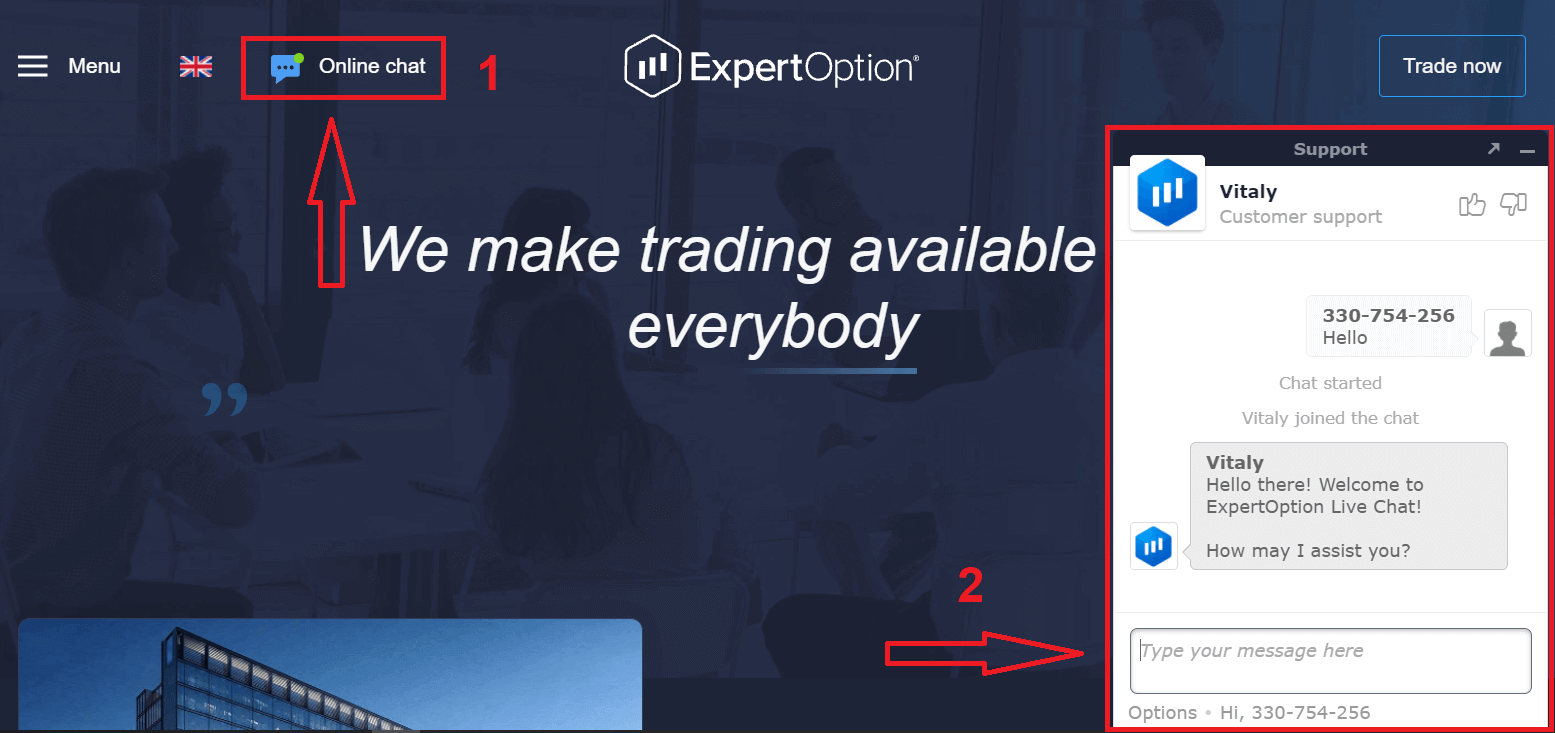
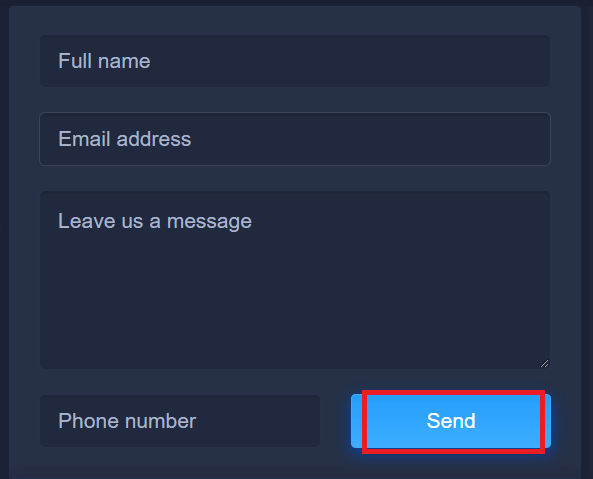
If you would like to have a representative contact you by phone, you can simply fill out the contact form and a properly qualified support staff member will contact directly. Just be sure to enter some information about the type of assistance you need in the “message text” field of the form.
Call Us Directly!
We love to hear from our clients and if you have something urgent that you would like to get solved, we have staff waiting to take your call in several different locations throughout the world. Contact us by phone
Education and Analytics Pages
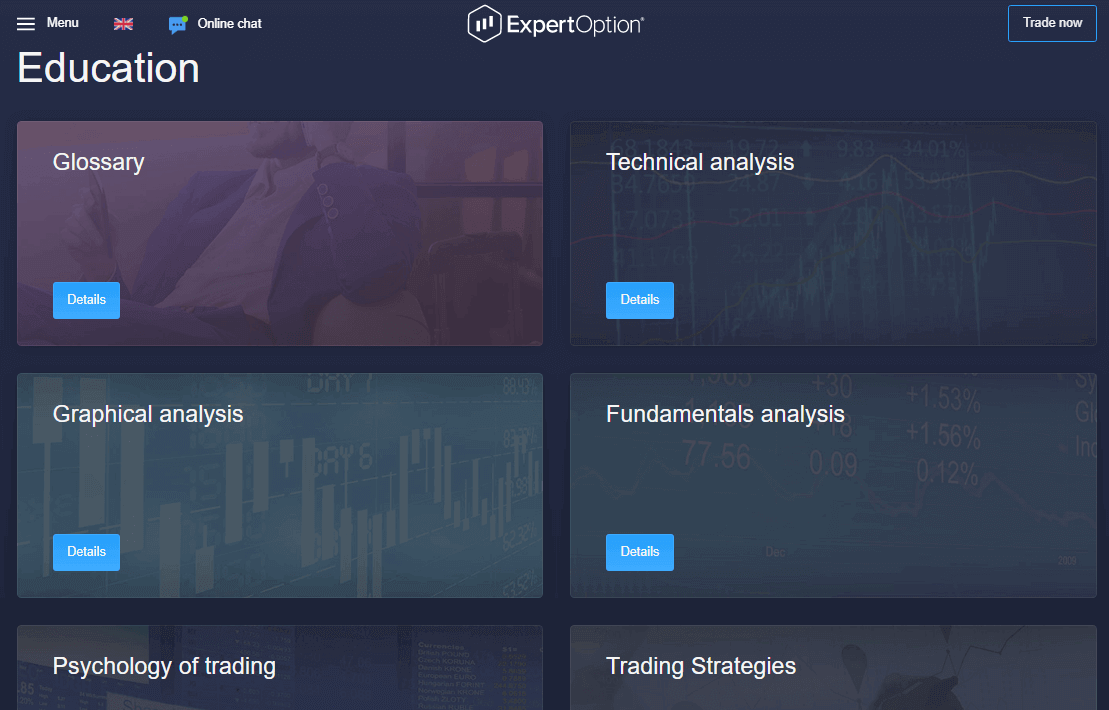
If you have a question or are interested in taking full advantage of the ExpertOption platform and want to learn how to use some of the great strategies, indicators, and other tools, be sure to visit these resources.Teaching trading is important and ExpertOption has invested significantly in providing our clients with the best analytical tools and the proper training on how to use them. You want to be a better trader and we want you to be a better trader.
Link: https://expertoption.com/education/
Social networks
- Facebook: https://www.facebook.com/expertoption
- Telegram: https://t.me/ExpertoptionNews
- Instagram: https://www.instagram.com/expertoption/
- Youtube: https://www.youtube.com/channel/UCIPYVN3ZkxcMR54xx6_6vDA
Conclusion: Reliable Support When You Need It Most
Having access to responsive and knowledgeable support can make all the difference in your trading journey. ExpertOption ensures you’re never alone, offering 24/7 live chat, email assistance, and an extensive help center to address your concerns. Whether you’re a new user or an experienced trader, you can count on ExpertOption’s support team to provide timely and effective solutions whenever needed.
FAQs
Official contact options include the in-app/live chat, platform help center articles, the registered support email, and phone support where available. Use live chat for fast, real-time help; email for disputes or attachments; and the help center for step-by-step guides before opening a ticket.
Open the ExpertOption app or web platform, sign in, and tap the Help or Support icon. Start a new chat, describe the issue clearly, and attach screenshots or transaction IDs. Provide your account ID and a concise timeline; if the agent needs escalation, ask for a ticket number and expected follow-up time.
First check the withdrawal status in your account and confirm any requested documents were submitted. If no progress, contact support with the withdrawal reference, payment method, amount, and screenshots of the transaction and bank/provider confirmation. Ask for escalation to the payments team, request a ticket number, and note expected response windows; AML or provider-side checks are common causes of delay.
Support commonly asks for a government-issued ID (passport, national ID, or driver’s license), proof of address (a recent utility bill or bank statement showing your name and address), and proof of payment (receipt or masked card image). Submit clear, color scans or photos in accepted formats and ensure names match across documents to avoid resubmission.
Verify messages only through the official app or the platform’s verified email address and compare sender details carefully. Never share passwords or one-time codes, refuse requests by social media DM for sensitive data, and ask for a support ticket number. Enable two-factor authentication and upload documents only via the platform’s secure portal when requested.